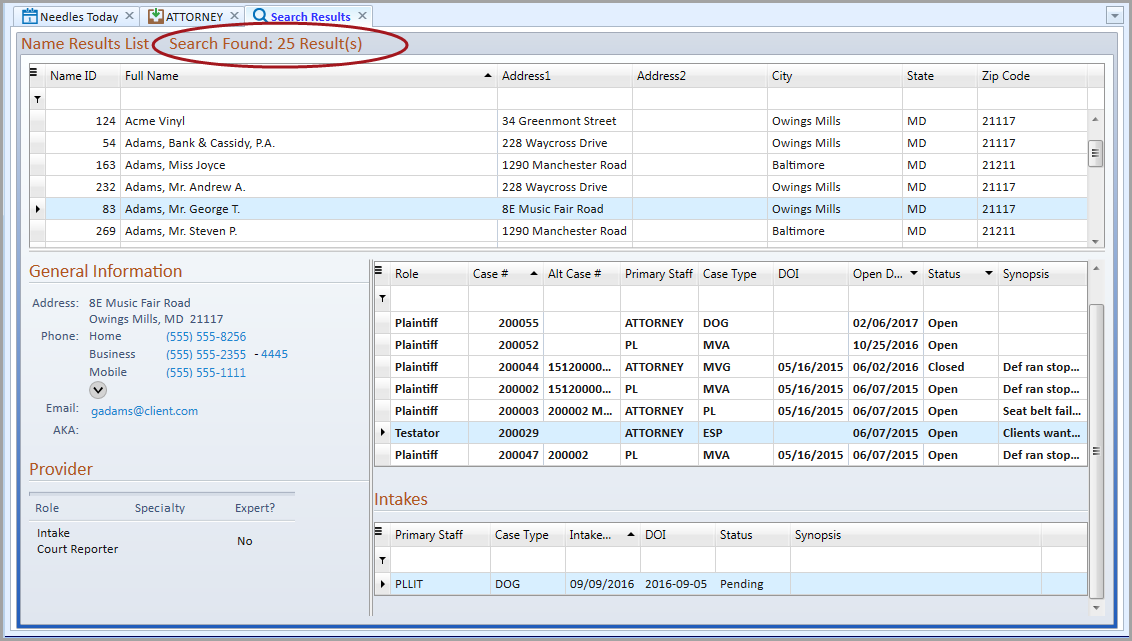
After a search has been performed, the results are displayed in the Search Results Tab Window. Depending upon the search criteria used, the appropriate results list will be displayed in the Search Results tab. The total number of search results are displayed at the top of both results lists. If proper permissions have been granted, the user may add a new case for a selected name in Needles or add a new party for a new case. New providers may be added when the Add Provider button on the Search ribbon is clicked.
To view the content of a field that is longer than the column width, hover the mouse over the content to display a tooltip of the full text.
Depending on the type of search conducted, the following results lists will be displayed.