The Name Results List is generated when a search is conducted using name criteria. The results view contains the following sections which are further described below:
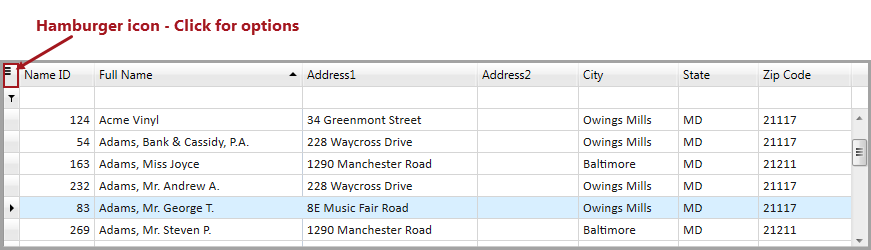
The default columns in the Name Results grid pertain to a searched name in Needles. Additional columns such as AKA Full Name, First Email and First Phone may be added to the grid using the Column Chooser. The hamburger icon (top left of the grid) allows you to access Filter and Search options within the grid, as well as saving and resetting the grid layout after changes have been made. If the selected name is not a party in any cases and is double-clicked, the Provider Folder for that name will display.
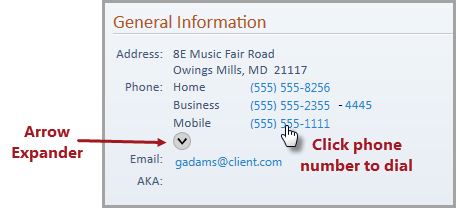
The General Information section contains the contact information for the selected name such as, default Address, all listed Phone numbers, default Email and AKA name, if these exist. When more than three phone numbers exist for a name, click the arrow expander to display all listed phones. Any of the listed phone numbers can be dialed [link to Phone Dialer in Special Field Types] by clicking the hyperlink for the desired phone number.
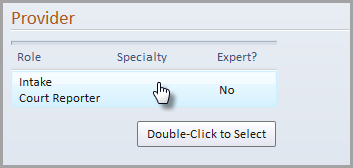
The Provider section contains the Role, Specialty and Expert? columns from the Provider entry for the selected name. When the Provider detail row is double-clicked, the Provider Folder of the selected name will display, regardless if they are a party in a case.
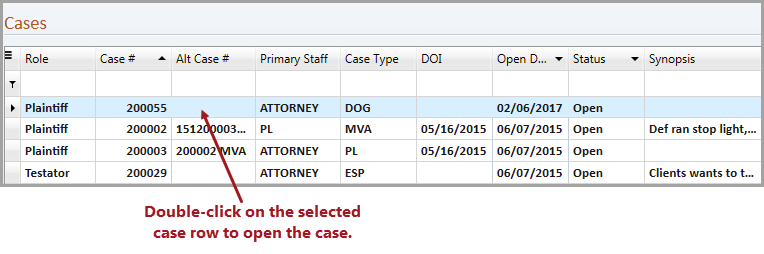
The Cases section grid contains default columns that pertain to the case(s) where the selected name is a party in a case. Additional columns such as Alt Case #2, Case Title, Class, Closed Date, and LIM Date may be added to the grid using the Column Chooser. The hamburger icon (top left of the grid) allows you to access Filter and Search options within the grid, as well as saving and resetting the grid layout after changes have been made. When a selected case is double-clicked, the Party Tab in the Case Folder for the selected name will display.
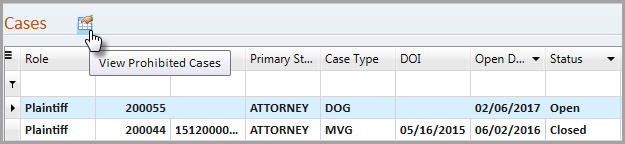
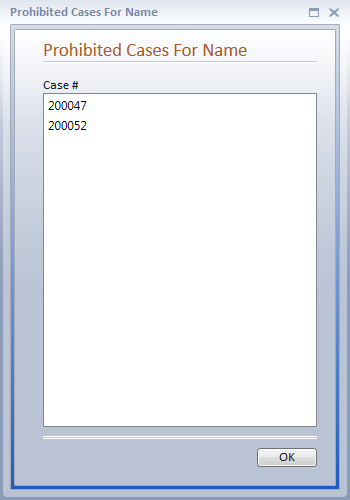
If a Staff's permissions have been set on the Case
Filter tab to exclude any cases, a prohibited cases icon  will display above the Cases grid when the selected name includes cases
where the user's access is prohibited from the user.
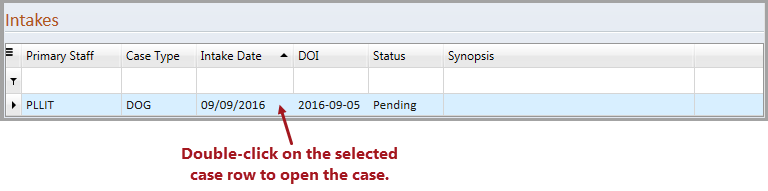
The Intakes section grid contains default columns that pertain to the intake(s) for the selected name. The Comments column may be added to the grid using the Column Chooser. The hamburger icon (top left of the grid) allows you to access Filter and Search options within the grid, as well as saving and resetting the grid layout after changes have been made. The Intakes section is only displayed when the selected name is listed as a party on an intake in Needles. When a selected intake is double-clicked, that intake will display in the View Intake tab.