Accessing an Existing Case
There are several ways to access an existing
case in Needles.
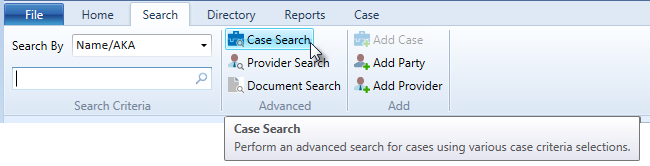
- The Needles Search
function provides multiple methods on the Search ribbon to search
for a case:
- Searches
by name information can be performed to locate a case by finding
a party. Name criteria can be entered, such as the name, Social
Security number, address information, or date of birth to retrieve
case results.
- Searches
by case information can also be conducted by case criteria,
such as the date of incident, date opened, or the Needles case
number.
- Advanced
case searches are also available allowing cases to be searched
by Our Client, Staff Assigned, Case Status, Class Codes, Party
Roles, Case Types, and ID Codes.
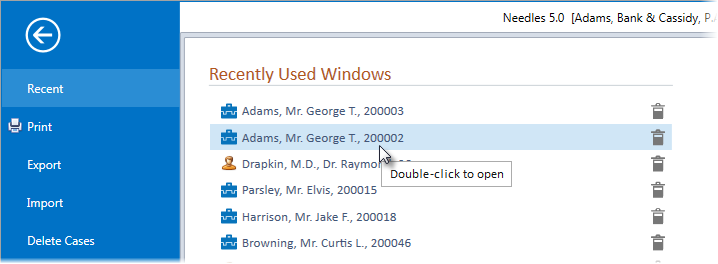
- If you have recently accessed a case, clicking on File > Recent will display a
list of the last 20 recently
opened cases and providers. Double-click on the desired case if
it appears in the list.
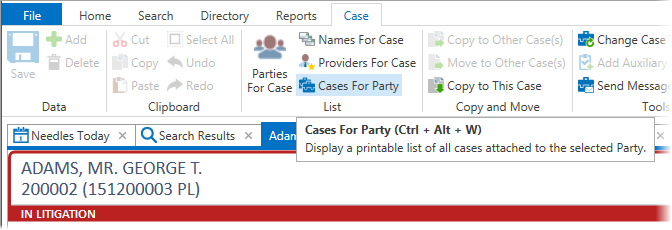
- Clicking the List
Cases for Party option on the Case or Party ribbons while in an
open case will display a window listing the existing cases for the
current party . Double-click on the selected case or click the OK button on the window to open
the case in a new tab or the current tab.