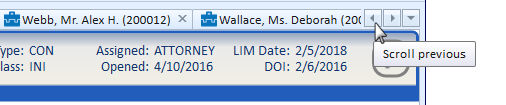
When more windows are open than tabs can be displayed, a tab control with scroll buttons becomes available. Clicking the scroll buttons will move the tabs to the left or right so they can be accessed.
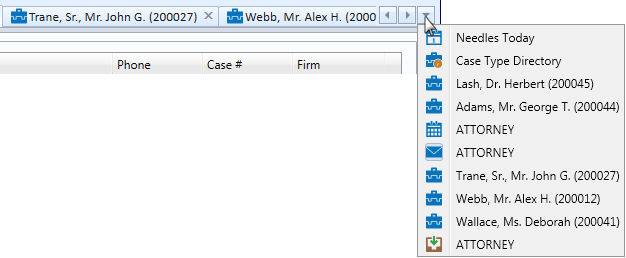
Click on the dropdown arrow in the tab controls for a quick way to navigate to an open window without having to scroll through all of them A list of currently open windows is displayed when the dropdown arrow is clicked. Selecting a window from the dropdown will make it the active window.
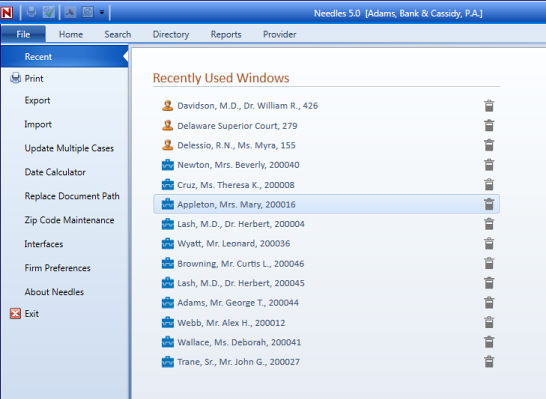
The system maintains a list of the last twenty Case Folder or Provider Folder windows that were accessed.
To access Recently Used Windows,
 at the end of an
item to remove it from the list.