 next to the Document Search header.
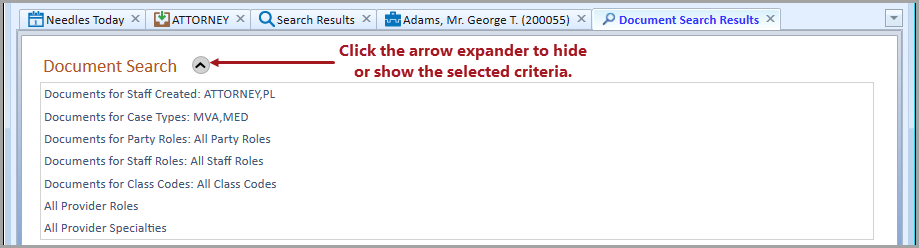
The Document Search Results Tab Window is generated when an Advanced Document Search is conducted. This is a completely separate tab window from the name and case Search Results tab window. The results view contains the following sections which are further described below:
Selections made on the Document Profile Criteria window can be viewed
in the Criteria section of the Document Search Results tab window using
the arrow expander
button next to the Document Search header.
The Document Search Results grid displays the Case, Party/Provider and File Path default columns. The column content pertains to the specified search criteria relating to documents attached to the Documents Tab of cases and/or providers. Case, name and file path information can be accessed directly from the results grid in the following ways.
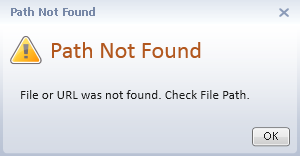
If the file or folder path of the linked document is invalid, you will see a warning message when the hyperlink is clicked.
The number of matching results from the specified criteria is located at the bottom of the grid. Columns may be removed from the Document Search Results grid using the Column Chooser.
To view the content of a field that is longer than the column width, hover the mouse over the content to display a tooltip of the full text.