The Permission Groups Directory allows you to set the desired permissions for all staff within a group. The group’s active staff can be given a particular set of rights in which to access the different areas of Needles as well as specific features or functions. While staff may be used in multiple permission groups, the group with the highest access level for a specific Needles function will override the other groups for which that staff is a member. However, individual Staff Permissions will always override any group level permissions.
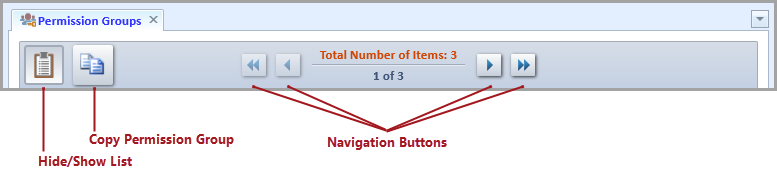
The Header Band across the top of the Permission Groups Directory displays a Hide/Show List button which allows you to show or hide the list of permission groups. The Copy Permission Group button is also available allowing permissions from one group to be copied to another. Navigation buttons are available to easily page through the different permission groups using the navigation arrows.