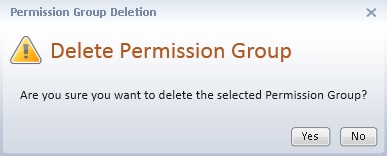
Permission groups may be deleted if the user is given Delete permission in the Group Permissions tab grid for Directories > Permission Groups. When permission to delete Permission Groups is granted, the user can delete all permission groups, including ones where they are not a member.
To delete a permission group:
All group members will be removed and the group will be deleted when changes have been saved.