
The Search group controls what can be seen and accessed from a search results window in Needles. Select the Set All option above the Enabled column to give full access or no access to search results.
When the user is given Add permissions to the Party Tab or Provider Tab, the View All Parties in Cases and View All Parties in Intakes check boxes will be automatically selected and disabled (shown above). When Add permissions have been denied to the Party Tab and Provider Tab, the check boxes for View All Parties in Cases and View All Parties in Intakes will become enabled and modifiable.
Below is a list of the permissions that can be set to control access to search results in the Needles program.
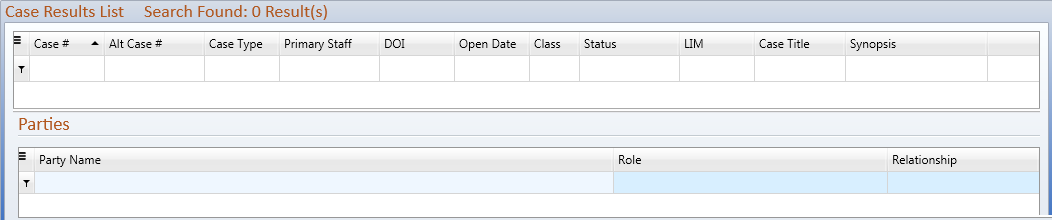
The permissions that control access to viewing all parties in cases in a Search Results Window are displayed below.

The options as shown above will grant the following permissions:
Parties in Cases will be hidden from the Search Results when the View All Parties in Cases check box is deselected and
The permissions that control access to viewing all parties in intakes in a Search Results Window are displayed below.

The options as shown above will grant the following permissions:
Parties in Intakes will be hidden from the Search Results when the View All Parties in Intakes check box is deselected and