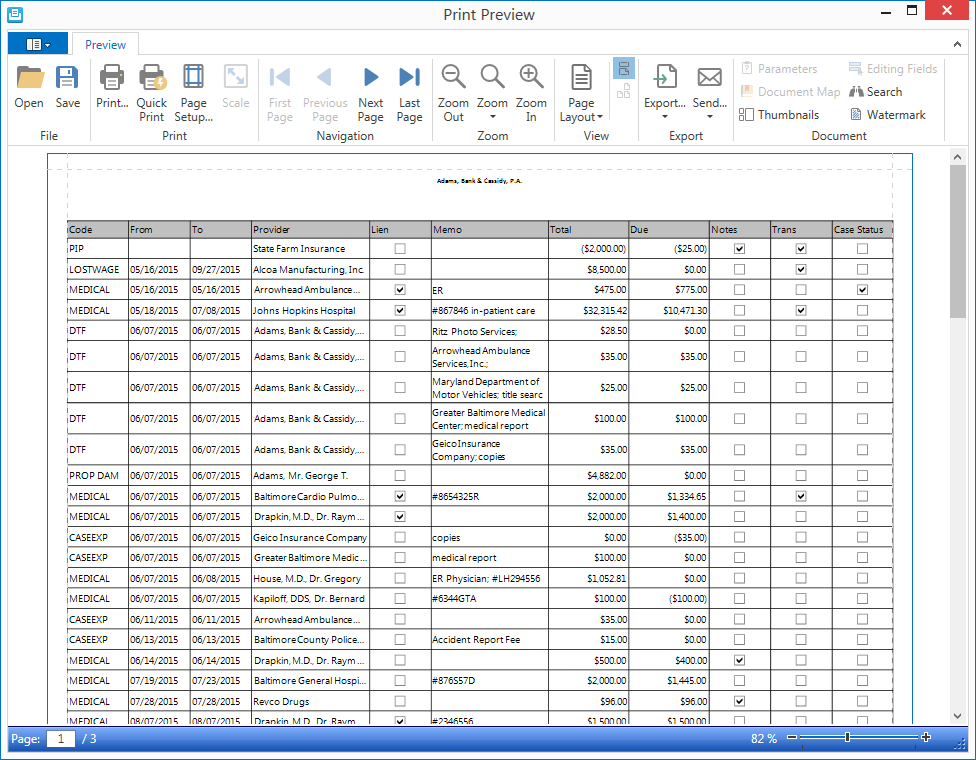
in the upper left corner of
the grid. A popup menu will display.
A list of items in a grid can be printed using the options in the Hamburger menu of the grid to print or export the current grid view.
Columns can be repositioned and other columns can be added or removed from the grid using the column chooser. Use the filter row to only display the rows you wish to print. Change the sort order by clicking on column headings.
To print the list of items in a grid,
in the upper left corner of
the grid. A popup menu will display.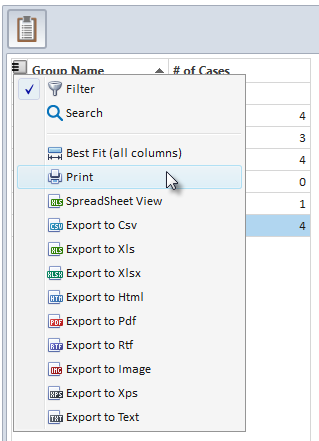
Other options available on the hamburger menu include exporting the current grid view in the desired format. This allows for exporting directly to a file while bypassing the Print Preview step.