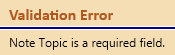
to display the reason for the error.
The Note Topic field is required
in order to save a Case Note item and will display a red validation border
and icon until a valid Note Topic is selected. Mouseover the validation
icon
to display the reason for the error.
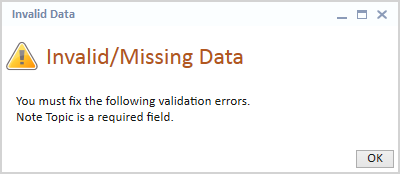
If Save is triggered from any of the following scenarios and the Note Topic field is blank, the corresponding Invalid Data message will display.