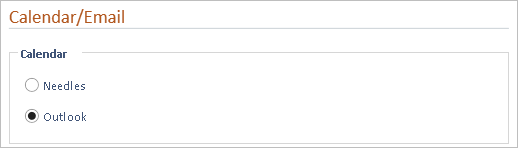
If your firm chooses to use the Outlook Calendar under Firm Preferences > Calendar/Email, all existing Needles appointments can be copied into each user’s Outlook Calendar. Once your firm integrates the Outlook Calendar, you will no longer enter appointments in Needles. Needles Calendar reports will no longer show current information as the appointments no longer get entered into Needles.
When the Outlook Calendar option on the Calendar/Email tab is selected and saved, all users that connect to Needles will no longer have access to the Needles Calendar.
If you implement this integration, the firm should already know or have been trained by an Outlook trainer on how to add Outlook appointments, run Outlook reports, create group calendars, etc.
To export appointments to Outlook,
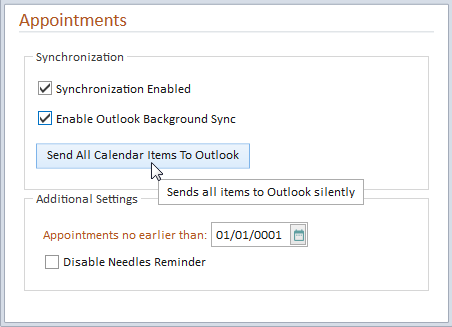
You should open your specified Outlook appointments folder to confirm the Needles appointments have exported correctly.