
When calling for support with the Needles Outlook Add-in, you may be asked what version of the Add-in or Web API is running on that workstation. Oftentimes, the person calling in is not aware of the versions installed on their computer. To facilitate troubleshooting and to make it easier for users to know what versions they are using, there is a convenient button that will display important technical information. In addition, this information can easily be copied using the Copy to Clipboard button.
To access the About Needles Add-in information:
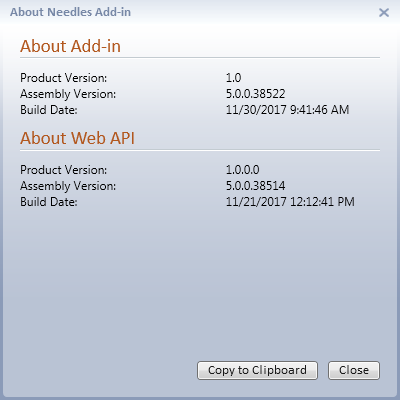
If the Add-in or Web API is not running, version information will not be copied.