While in a Deposit Request Detail View or after selecting
one or more rows from the Deposit Request List View, click the Delete
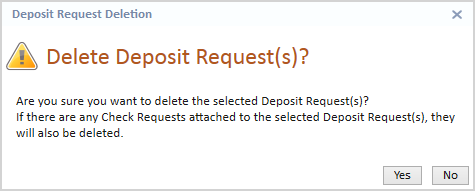
button on the Accounting ribbon. The Deposit Request Deletion confirmation
message will display.
Click the Yes
button to delete the selected deposit request(s).
 button on the Accounting ribbon. The Deposit Request Deletion confirmation
message will display.