Some fields on a Value item are not directly modifiable, such as Total Adjustments, Total Payments, and the Due amount. Changing the field values of the Value Total, Reduction or Transaction details fields will cause the other fields to be recalculated. For example, if the Value Total field changes, the Due field will be recalculated. Additionally, the Value Total field will be recalculated when the Number of Periods or the Rate/Period changes. Changing the Value Code can alter the item from a Credit to a Debit which will also have an effect on the calculations.
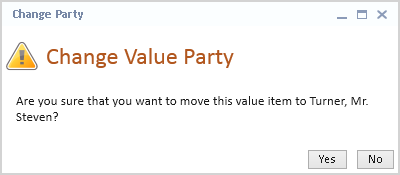
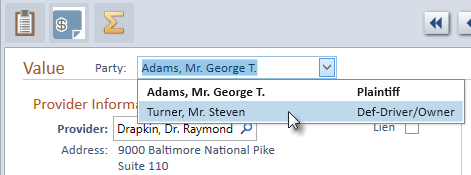
Occasionally a Value item gets added with the wrong Value Party. To attach the Value item to the correct Party,